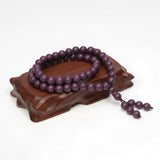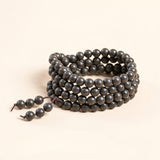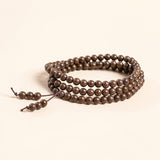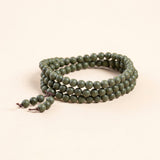


Short answer: Prevent bracelet noise near microphones by testing bead movement, wrist-to-table contact, podium edges, cables, sleeves, gestures, and equipment handling before recording. Remove and store the bracelet if sound, snagging, pressure, or technical interference remains possible. Jewelry does not improve speaking or treat anxiety.
Use the Bracelet Care and Materials Guide. Audio staff, venue rules, and equipment instructions take priority.

Bracelet Noise Near Microphones
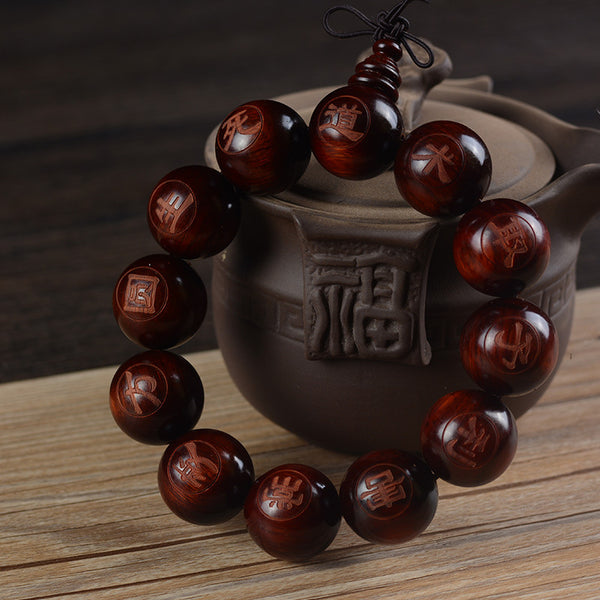
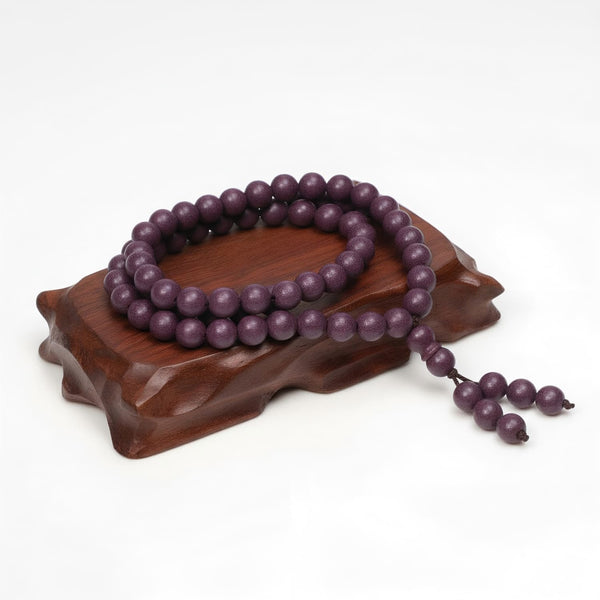
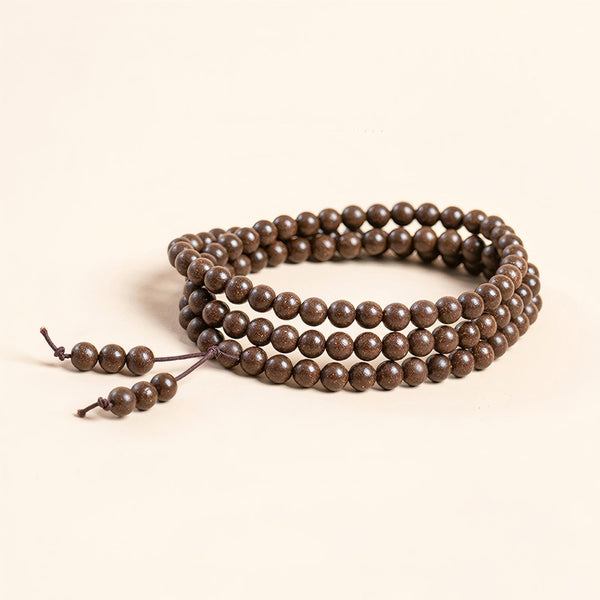
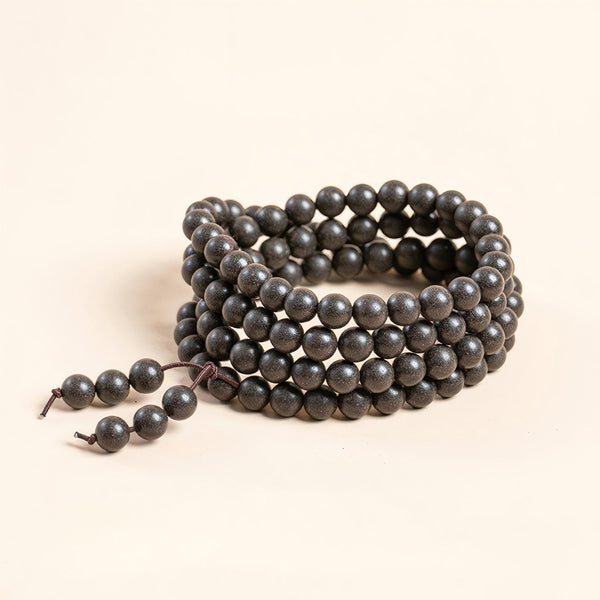
- Check bead-to-bead movement. Loose movement may create clicks during gestures.
- Check surface contact. Beads can strike tables, podiums, laptops, and stands.
- Check sleeves and badges. Fabric, lanyards, and jewelry can rub together.
- Check cables. Keep the strand away from microphone, headset, monitor, and camera cables.
- Check handling tasks. Remove it before adjusting stands, batteries, connectors, or powered equipment.
- Run a sound check. Use the real microphone and normal gestures with staff permission.
- Plan removal. Keep a clean dry pouch within a controlled personal area.
- Inspect afterward. Check for impact, gaps, stretching, or damaged components.
Test the Exact Recording Position
A bracelet may be quiet while standing but noisy when the wrist rests beside a laptop or slides across a podium. Rehearse note turning, mouse use, typing, water handling, and ordinary gestures. Listen for repeated contact rather than relying on appearance.
Do not tape the bracelet to the wrist, wedge it under a tight cuff, or wrap it in fabric. These shortcuts may create pressure, moisture, residue, and new noise.
Protect Cables and Equipment
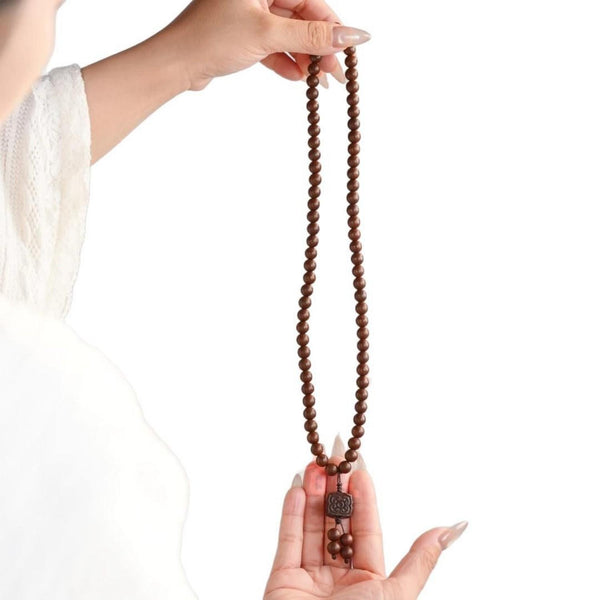
Loose strands, charms, or spacers can catch cables, knobs, stands, camera rigs, instruments, or control surfaces. Remove jewelry before setup, teardown, or any technical task where it can interfere. Follow staff direction without debate.
Never apply oil, powder, adhesive, or polish to make beads quieter. Product modification is not an audio solution.

Use a Real Sound Check
With permission, record a short sample using the final microphone position and normal movement. Compare bracelet-on and bracelet-off only for unwanted physical sound. Do not interpret the test as evidence of confidence, calm, focus, or speaking quality.
If noise appears, removal is simpler than changing gestures unnaturally. Store the bracelet before the session begins.
Run a Simple Bracelet-On and Bracelet-Off Comparison
Use the same microphone, gain, desk position, sleeve, notes, and speaking distance for both samples. Include ten to twenty seconds of ordinary movement: resting the wrist, turning one page, typing a short line, reaching for a control, and making a normal hand gesture. Listen through the monitoring method chosen by the audio team rather than relying on what the wearer hears in the room.
The useful question is narrow: does physical bead or hardware contact create an unwanted sound in this setup? A single clean sample does not guarantee every later movement will be quiet. If the recording matters, remove the bracelet whenever staff cannot repeat the check under final conditions.
Account for Different Microphone Types and Positions
A lavalier microphone can place a cable near a jacket, badge, or moving arm. A desk microphone can capture contact with the tabletop. A podium microphone may sit beside notes and hard edges, while a headset can add cables near collars and lanyards. The bracelet itself does not change, but the contact path does.
Do not move, clip, wrap, or reroute professional equipment without permission. Tell the technician that you are checking jewelry noise, then follow the requested movement and removal instructions. Equipment safety and the recording plan come before styling.
Check the Entire Recording Window
Noise risk is not limited to speaking. Check arrival, mic fitting, sound check, seated waiting, panel handoffs, audience questions, equipment adjustment, and teardown. A bracelet that is quiet at the lectern may strike a chair arm or table during a panel discussion.
Place the pouch before microphones go live, not after a problem appears. At the end, retrieve the item without setting it on a console, speaker, camera case, or cable tray. Inspect the strand if it contacted hard equipment.
Consider Scent as a Separate Shared-Space Issue
A quiet bracelet may still be unsuitable if scented jewelry is restricted or unwelcome in a studio, booth, classroom, healthcare setting, or small room. Do not add fragrance before recording. Ask and store it when needed.
Scent does not improve voice, breathing, anxiety, memory, or performance. Kenlina does not make those claims.
Create a Controlled Removal and Return Process
Use dry hands and place the bracelet in a separate pouch away from drinks, cables, batteries, cases, adhesives, and cleaning products. Do not leave it on the podium or mixing desk. After recording, inspect before wearing it again.
The conference packing checklist covers the trip. The meeting etiquette guide covers smaller rooms.
Choose a Profile for the Intended Setting
Use How to Choose an Incense Bracelet and compare the Natural Herbal Incense Bracelets collection.
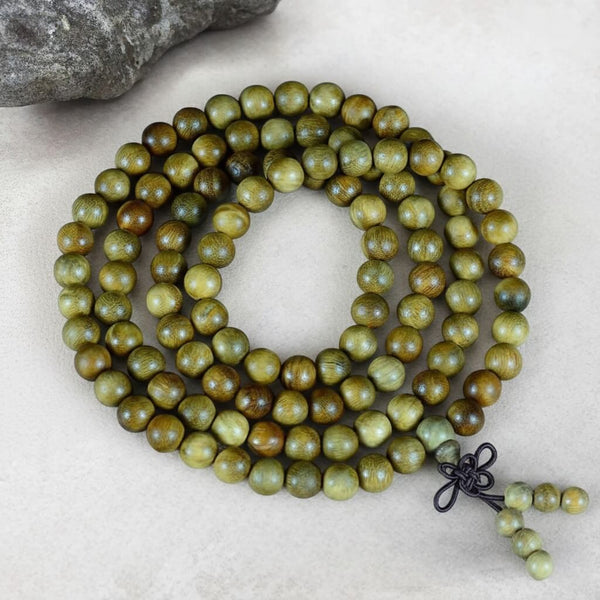
The Green Sandalwood bracelet is one exact example. For gifts, use the Mindful Jewelry Gift Guide.
Frequently Asked Questions
Q1: Can bead bracelets make microphone noise?
A: Yes. Bead movement and contact with tables, podiums, sleeves, badges, or equipment can be audible.
Q2: Should I tape a bracelet down?
A: No. Remove and store it rather than adding adhesive, pressure, or residue.
Q3: How do I test it?
A: With staff permission, use the final microphone position and normal gestures for a short sound check.
Q4: Can a bracelet improve public speaking?
A: Kenlina does not make that claim. This guide addresses physical audio interference.
Q5: Where should I put it during recording?
A: Use a clean dry pouch in a controlled personal location away from equipment and liquids.